




Introducing SamUpdate Client: The Power of Go for Lightning-Fast Downloads
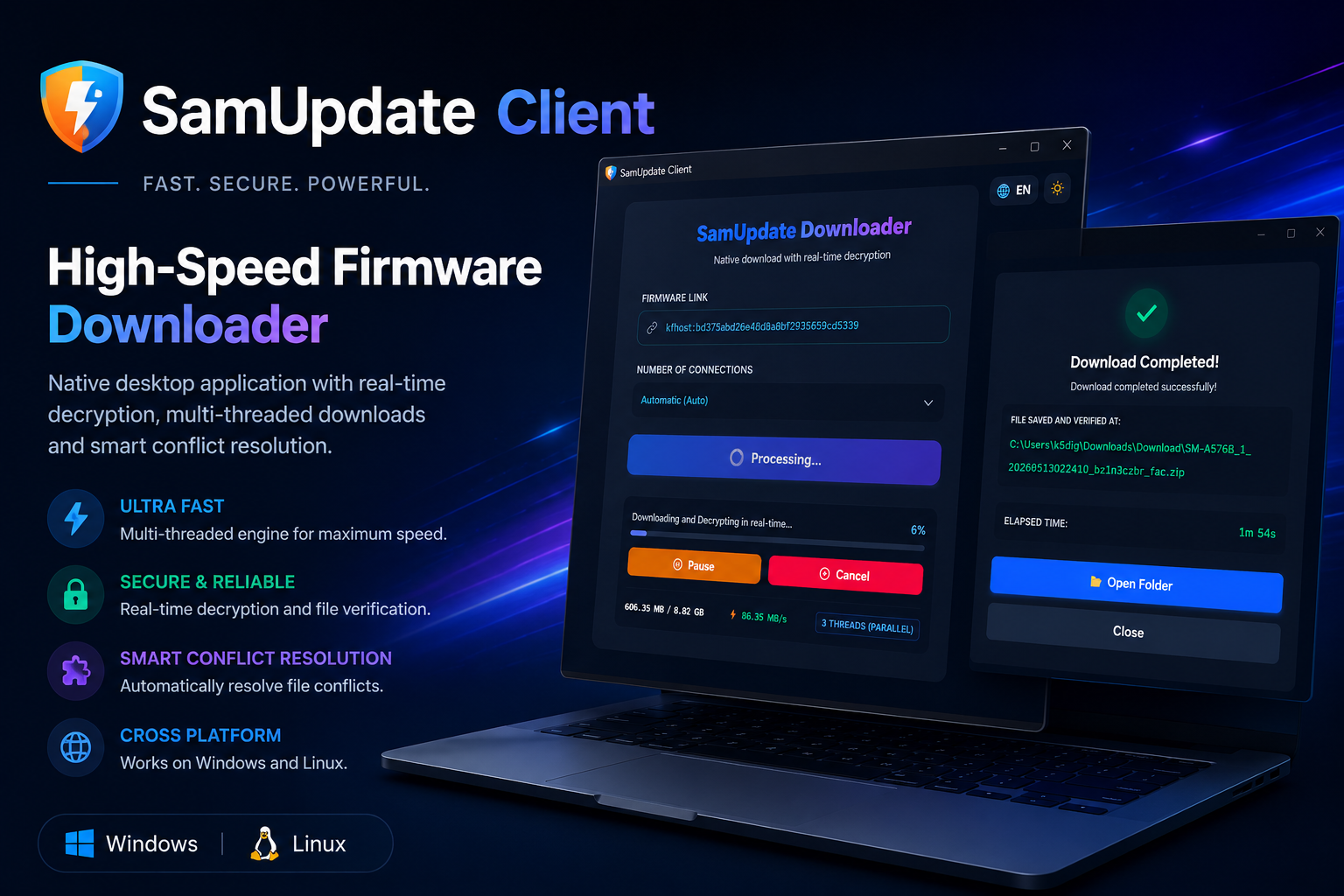
We have great news for the community! SamUpdate now features dedicated, native software: the SamUpdate Client. After extensive performance testing, we built this tool from the ground up using the Go (Golang) programming language. The goal? To extract the absolute maximum speed from your internet connection and your PC's hardware.
🚀 The Game Changer: Real-Time Decryption
Unlike traditional tools that make you wait for a massive download to finish before starting to decrypt the file, the SamUpdate Client makes the magic happen simultaneously.
It downloads from the official Samsung server, verifies data integrity (CRC32), and decrypts in real-time. What does this mean for you? As soon as the progress bar hits 100%, you will immediately have the pristine .zip file ready to be extracted and used in Odin. No extra waiting times!
🛠️ Incredibly Easy to Use
Forget about complicated settings. The usability was designed to be straight to the point. Here is how easy it is:
- Generate the download key on the SamUpdate webpage.
- Open the SamUpdate Client.
- Paste the link (which starts with
kfhost:) and start the download!
1. Generate the download link on our Web platform
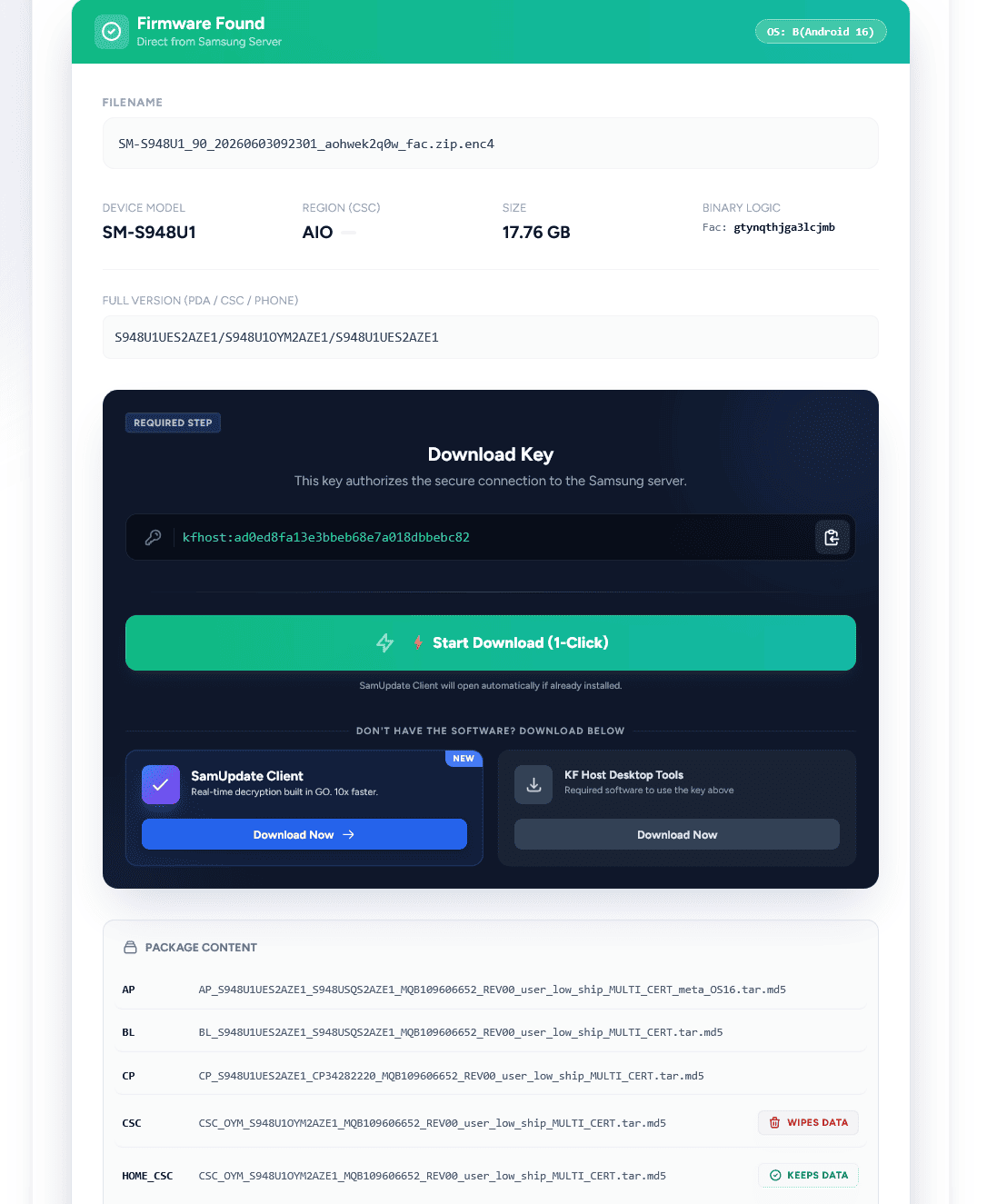
Official SamUpdate page generating the secure connection key.
2. Paste it into SamUpdate Client 1.0.0
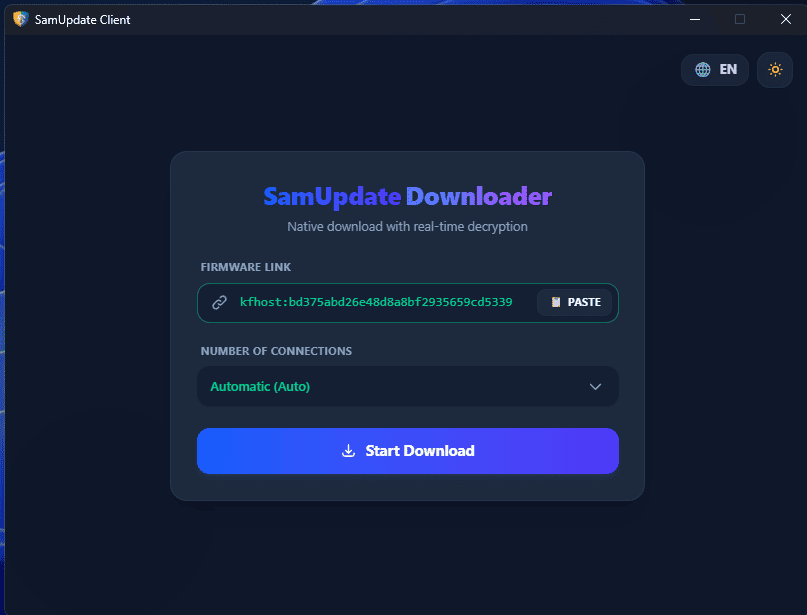
Clean interface with Light/Dark theme support.
3. Watch the Simultaneous Decryption
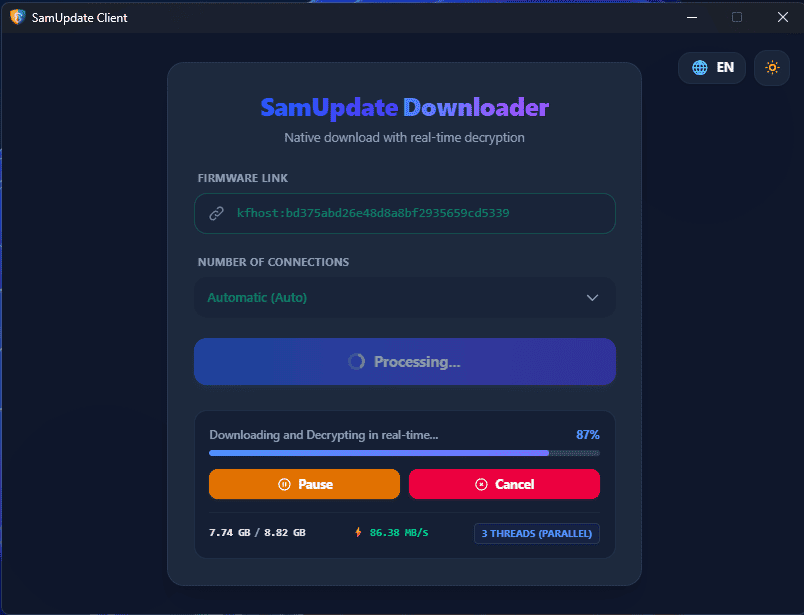
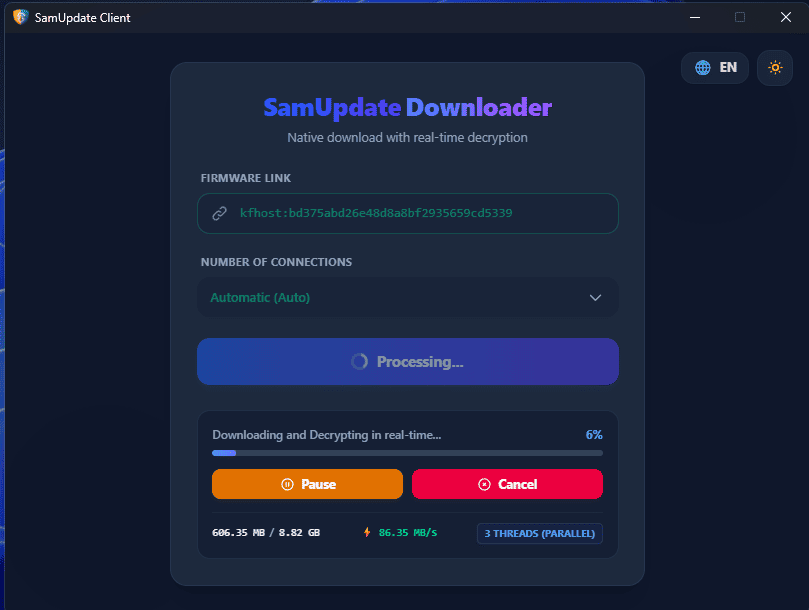
Multi-threaded (Parallel) download engine optimizing your bandwidth.
4. Ready to Use!
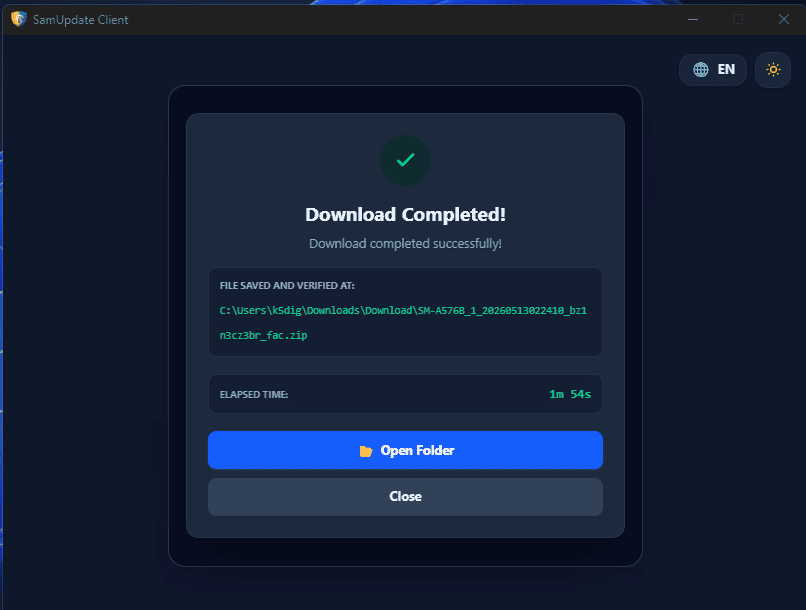
File saved, verified, and ready for flashing.
🐧 Cross-platform: Windows and Linux
The choice of the Go language wasn't just for its extreme speed, but also for its excellent portability. Using the same highly optimized source code, we compiled the SamUpdate Client natively for Windows and also for Linux (Ubuntu and derivative distributions).
Spoiler alert: Development doesn't stop here. Soon, the SamUpdate Client technology will also be available in the palm of your hand with our upcoming Android version!
Ready to change the way you download Firmwares?
version 1.0.0 - 04/29/2026
version 1.0.1 - 05/10/2026
update version 2.0.0 - 07/02/2026